Opt-In Done Right: How to Grow on WhatsApp Without Getting Blocked (2026 Playbook)
Learn the exact opt-in, opt-out, and messaging practices that keep WhatsApp growth compliant and high-quality—so you scale campaigns without blocks, reports, or restrictions.
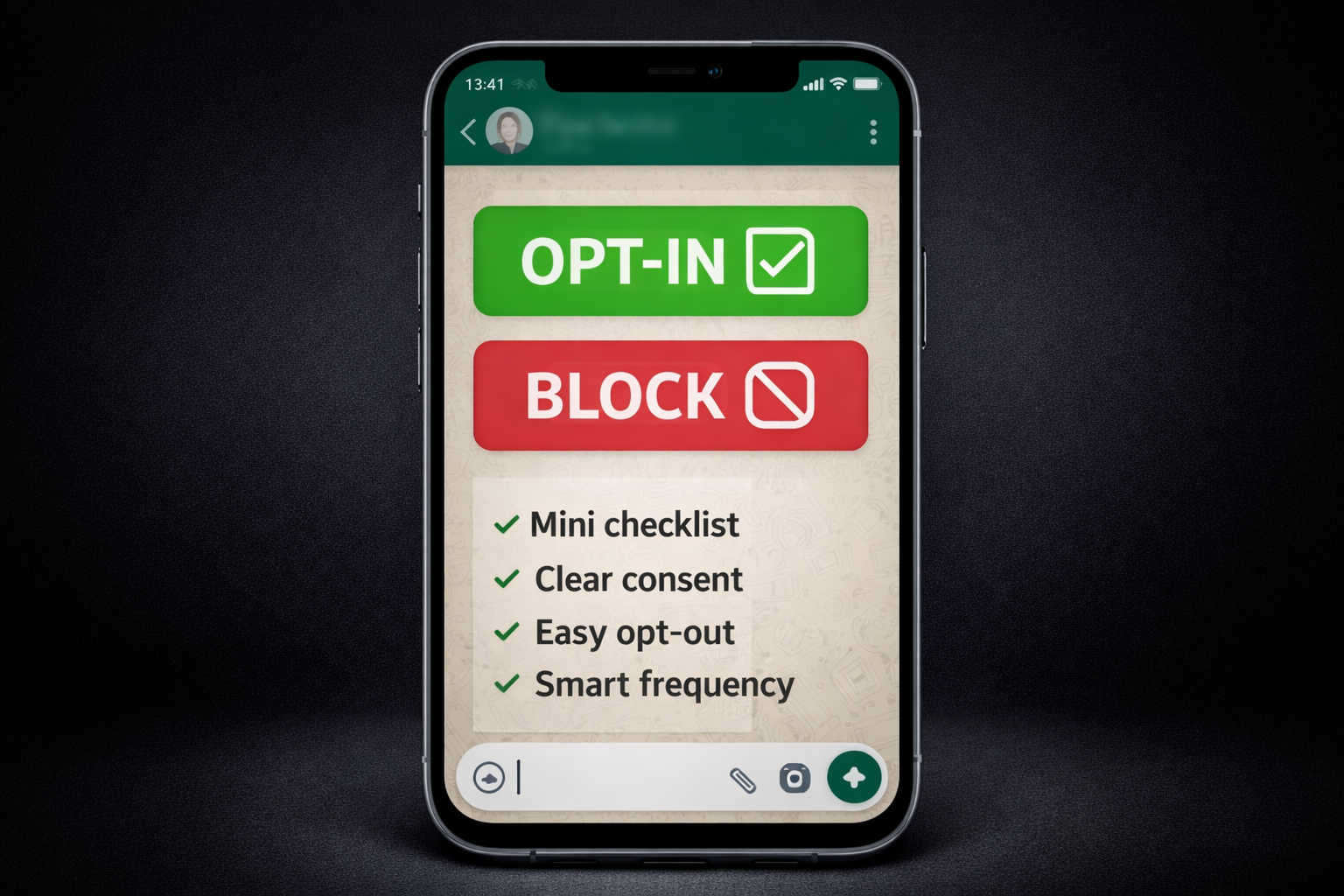
Opt-In Done Right: How to Grow on WhatsApp Without Getting Blocked
WhatsApp is one of the highest-conversion channels on earth—until you trigger the fastest “unsubscribe” behavior known to marketing: Block.
On WhatsApp, people don’t “ignore” brands for long. If they feel surprised, spammed, or tricked, they block or report. And WhatsApp explicitly uses that feedback to limit what businesses can send (and even what calls they can initiate) when quality is low. (WhatsApp Business)
This guide is a practical 2026 playbook to help you grow your WhatsApp list the right way—with clear opt-in, effortless opt-out, and messaging patterns that protect your phone number quality.
Table of Contents
-
What “opt-in” means on WhatsApp (and why it’s stricter than email)
-
The three rules that keep you safe: Consent, Expectations, Control
-
How to collect opt-in (website, ads, QR, in-chat)
-
Proof of consent: what to store (and how)
-
Opt-out done right (so people don’t block)
-
Messaging strategy that protects quality (frequency, segmentation, templates)
-
A copy-paste compliance checklist
1) What “opt-in” means on WhatsApp
WhatsApp expects businesses to collect permission before sending messages—especially business-initiated messages. Meta’s guidance on opt-in says you must clearly communicate the business name the person is opting into receiving messages from and comply with applicable law. (Facebook Developers)
And WhatsApp’s Business Terms also emphasize that companies must secure the necessary “rights, consents, and permissions (for example, opt-in)” to communicate with customers—plus honor requests to stop receiving messages. (WhatsApp.com)
Simple definition (business-friendly):
An opt-in is a clear, voluntary action by the user that indicates:
-
they want messages from your business on WhatsApp, and
-
they understand what kinds of messages they’ll receive.
If you can’t confidently say “they expected this message,” you’re taking risk.
2) The 3 rules that keep you safe: Consent, Expectations, Control
Rule #1 — Consent (the “Yes”)
You need explicit permission. Meta’s opt-in guidance requires clarity about who the user is consenting to hear from. (Facebook Developers)
Rule #2 — Expectations (the “What”)
Tell people what they’re subscribing to:
-
Updates? Offers? Order status? Reminders?
-
How often?
The more specific your promise, the fewer blocks you’ll get.
Rule #3 — Control (the “Stop”)
WhatsApp policy is very clear: you must respect requests (on or off WhatsApp) to discontinue communications, including opt-out requests. (WhatsApp Business)
If you make opt-out hard, people don’t negotiate—they block.
3) How to collect WhatsApp opt-in (4 high-performing methods)
Below are growth methods that scale without “surprise messaging.”
A) Website opt-in (best for intent)
Add a checkbox near your contact form / checkout:
Example checkbox copy
“Yes, I’d like to receive updates and offers from [Business Name] on WhatsApp.”
Make sure the business name is explicit (that’s part of Meta’s opt-in guidance). (Facebook Developers)
Pro tip: Put a short note under it:
“Reply STOP anytime to opt out.”
(We’ll cover opt-out mechanics later.)
B) Click-to-WhatsApp ads (best for acquisition)
These are powerful because the user initiates the chat (high intent). Your first auto-reply should confirm expectations:
First message template (copy-paste)
“Thanks for messaging [Business Name] 👋
You’ll receive responses about your request. If you’d like offers and future updates here too, reply YES. You can opt out anytime.”
C) QR codes (best for offline → online)
Great for stores, events, and deliveries. Put the QR with a clear promise:
“Scan to get order updates on WhatsApp.”
“Scan to receive student discounts on WhatsApp.”
Again: expectations reduce blocks.
D) In-chat opt-in (best for support → marketing conversion)
When someone asks for support, they already trust you. Ask for permission after you help:
“Want us to send future updates/offers here too? Reply YES. Reply STOP anytime.”
This approach aligns with the idea that opt-in should be clear, voluntary, and user-driven. (Facebook Developers)
4) Proof of consent: what you should store
Even if you’re small today, build like you’ll scale tomorrow.
Store:
-
phone number (E.164 format)
-
opt-in source (website checkbox / QR / ad / in-chat)
-
timestamp
-
the exact wording shown to the user (versioned)
-
evidence token (form submission id, click id, chat keyword log)
Why? Because disputes happen. Also, strong consent hygiene reduces panic when users say “I never subscribed.”
And remember: WhatsApp’s Terms place responsibility on the company to secure the necessary permissions and comply with laws. (WhatsApp.com)
5) Opt-out done right (so people don’t block)
WhatsApp requires you to honor opt-out requests. (WhatsApp Business)
So treat opt-out as a UX feature, not a legal checkbox.
The best opt-out mechanisms (ranked)
1) “Reply STOP” keyword
This is universal, simple, and works even with automation.
Auto-confirmation message (copy-paste)
“You’re unsubscribed ✅
You’ll no longer receive marketing messages from [Business Name].
If you change your mind, reply START.”
2) Marketing opt-out button in templates (highly recommended)
Meta supports adding a marketing opt-out button to new marketing templates so customers can opt out of promotional messages. (Facebook)
Why it matters: it reduces blocks because users can opt out cleanly instead of using the “Block” button.
3) Preference center (advanced)
Let users choose:
-
Offers only
-
Product updates
-
Order alerts
-
New drops
More control → fewer blocks.
6) Messaging strategy that protects quality (and unlocks growth)
This is where most brands fail: they get opt-in… then they spam.
A) Understand how WhatsApp punishes “bad growth”
WhatsApp’s policy notes that people can block/report businesses and WhatsApp systems may limit messaging or calls when quality tier is low over time. (WhatsApp Business)
Also, Meta’s “quality rating” is based on recent messages (commonly described as the last 7 days) and influenced by customer feedback like blocks/reports. (Facebook)
Translation: if your block rate rises, your growth ceiling drops.
B) Segment before you broadcast
Never send one campaign to everyone.
Segment by:
-
source (ads vs. customers)
-
intent (requested quote vs. browsing)
-
recency (active last 7/30/90 days)
-
language preference
Segmentation reduces irrelevant messages → fewer blocks → better quality.
C) Frequency: be predictable, not aggressive
WhatsApp is not email. People treat it like a private space.
A safe baseline for marketing:
-
1–2 marketing messages/week for most businesses
-
Use “event-based” messages (back-in-stock, abandoned cart) carefully and only for opted-in users who expect it
If users feel “surprised,” they block. WhatsApp explicitly warns against confusing, misleading, or spamming people. (WhatsApp Business)
D) Respect the 24-hour customer service window
WhatsApp’s ecosystem commonly operates with a “customer service window” concept: when a user messages you, you can respond with free-form messages for 24 hours; outside that window, you typically need an approved template for proactive outreach. (Twilio)
What this means for growth:
-
Don’t keep “re-pinging” cold leads days later with random text.
-
Use approved templates for re-engagement and keep them relevant.
E) Warm up your number like a professional
If you suddenly message 5,000 new users tomorrow, you’re basically asking for blocks.
Instead:
-
Start with your most engaged users
-
Keep the first campaigns helpful (not salesy)
-
Increase volume gradually
-
Watch quality signals
WhatsApp also has messaging limits/tier systems documented in Meta developer docs, so scaling is not only “marketing”—it’s operational. (Facebook Developers)
F) Fix the #1 reason people block: “I didn’t subscribe”
Your message should remind them why they’re receiving it.
Add a small “permission reminder” line:
“You’re receiving this because you opted in on our website / after your last order.”
This single line can cut blocks dramatically.
7) Copy-paste: Opt-in flows that don’t get blocked
Flow 1 — Website checkbox (recommended)
Form text:
“Yes, send me updates and offers from [Business Name] on WhatsApp. Reply STOP anytime.”
After submission WhatsApp message:
“Welcome! This is [Business Name].
Expect 1–2 messages/week (offers + updates). Reply STOP anytime.”
Flow 2 — In-chat YES (clean + verifiable)
After helping the user:
“Want future updates and offers here too? Reply YES. Reply STOP anytime.”
If they reply YES:
“Perfect ✅ You’re subscribed. Reply STOP anytime.”
Flow 3 — Re-permission campaign (when your list is old)
Send one template asking users to reconfirm. If they don’t respond, don’t keep blasting them.
8) Compliance checklist (use this before every campaign)
Consent
-
Business name is clearly shown during opt-in (Facebook Developers)
-
You store opt-in proof (timestamp + source + text shown)
Control
-
Opt-out is easy (STOP keyword and/or template opt-out button) (Facebook)
-
Opt-out requests are honored immediately (WhatsApp.com)
Quality
-
You segment recipients (no “message everyone”)
-
You limit frequency
-
You add a permission reminder (“you opted in because…”)
-
You monitor blocks/reports because WhatsApp can limit low-quality senders (WhatsApp Business)
Final takeaway
Growing on WhatsApp is simple when you follow one rule:
If the user would be happy to see your message, you’re safe.
If they’d feel surprised, you’re one tap away from a block.
Opt-in done right isn’t just compliance—it’s conversion protection.