Ultimate Guide to WhatsApp API for Omani Businesses (2026)
This detailed guide explains how WhatsApp Business API works, how it differs from basic WhatsApp solutions, and how Omani companies can use it to automate customer communication, increase sales, and scale support — with real use cases, setup steps, pricing insights, and best practices for the Omani market.
Introduction
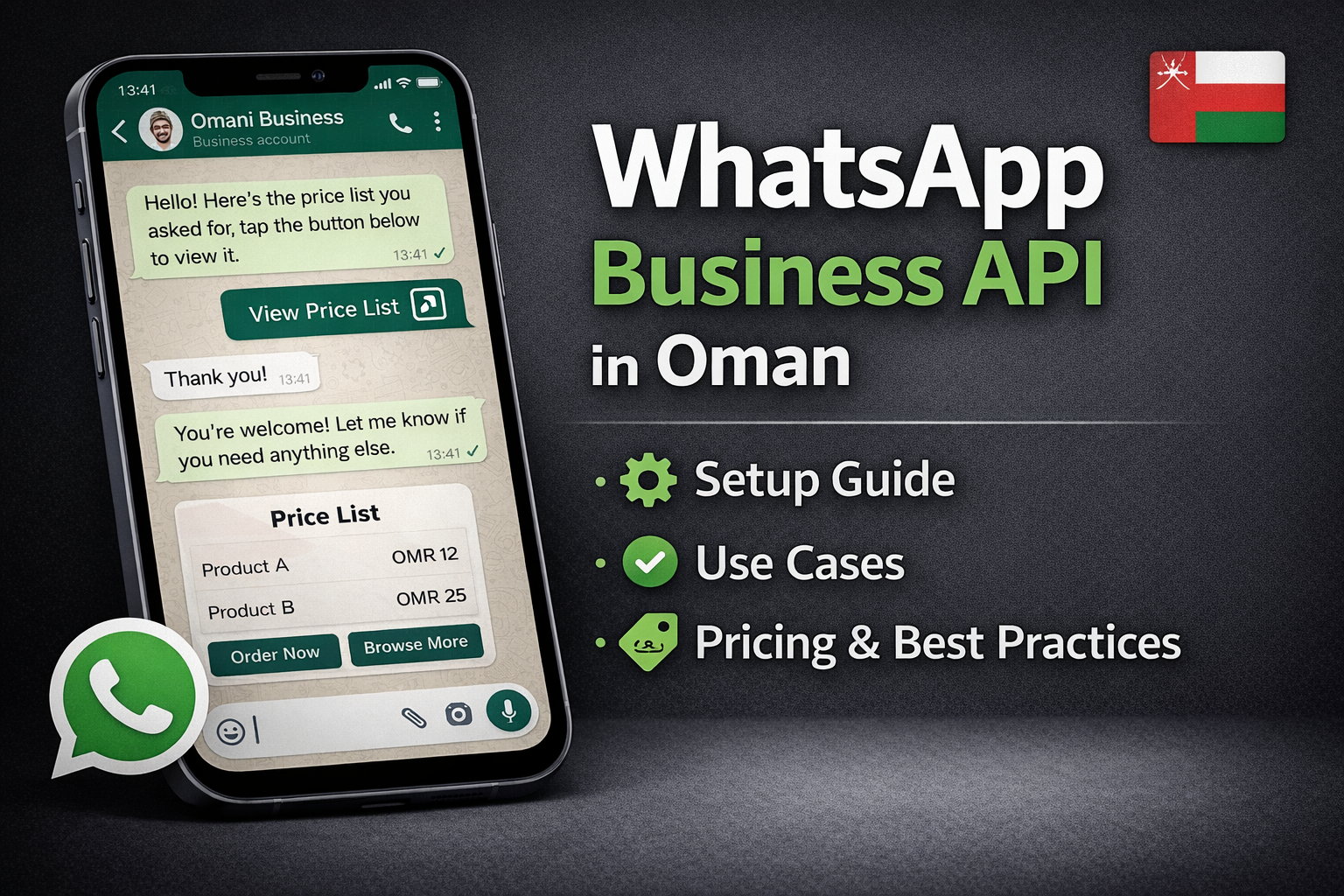
WhatsApp is one of the most widely used communication platforms in Oman, with millions of active users engaging daily. For businesses — especially SMEs and enterprises operating in Muscat, Salalah, and other cities — WhatsApp is not just a messaging app anymore: it’s a powerful business communication channel. However, once you reach a certain scale, the free WhatsApp Business app isn’t enough. That’s where WhatsApp Business API comes in. (WhatsApp Business)
In this comprehensive 2026 guide, we’ll explain:
-
What WhatsApp Business API is
-
Why it matters for Omani businesses
-
How it differs from the standard business app
-
How companies in Oman can implement it
-
Benefits, use cases, pricing insights, and best practices
Let’s dive in. 👇
What is WhatsApp Business API?
The WhatsApp Business API (also known as the WhatsApp Business Platform) is a programmatic interface provided by Meta that allows businesses to integrate WhatsApp messaging into their systems — such as CRM, support software, marketing tools, and automation platforms. (WhatsApp Business)
Unlike the WhatsApp Business app (which runs on a phone and is suitable for very small businesses), the API:
-
Supports multi-agent access and team collaboration
-
Enables automated messaging and chatbot workflows
-
Integrates with internal business systems (CRM, ERP, e-commerce)
-
Allows businesses to scale conversations to thousands of customers
-
Supports proactive notifications and message templates approved by Meta (Twilio)
WhatsApp Business App vs. WhatsApp Business API
| Feature | WhatsApp Business App | WhatsApp Business API |
|---|---|---|
| Best for | Small businesses | Mid/large businesses |
| Automation | Limited | Advanced automations |
| Multi-agent support | ✘ | ✔ |
| CRM integration | ✘ | ✔ |
| Template messaging | ● | ✔ |
| Scalability | Low | High |
The Business API is designed for businesses that need professional, automated, scalable messaging beyond the limitations of the free app. (WhatsApp Business)
How WhatsApp Business API Works
Integrating with the WhatsApp Business API typically involves:
-
Business Verification: Registering and verifying your business with Meta.
-
Phone Number Setup: Adding a business-dedicated phone number.
-
Message Templates: Creating and approving template messages for outbound notifications.
-
CRM/Software Integration: Connecting the API with your internal systems (CRM, helpdesk, e-commerce, etc.).
-
Automation & Chatbots: Automating flows like support responses, lead nurturing, delivery notifications, and more. (Medium)
Most businesses use either:
-
Direct integration via Meta’s official API, or
-
Business Solution Providers (BSPs) — third-party platforms that simplify the connection, dashboard, automation, and compliance steps. (360NRS)
Why Omani Businesses Should Use WhatsApp API
📈 1. Improve Customer Engagement
WhatsApp messages have some of the highest read and response rates — often above 90%. Businesses in Oman can reach customers where they already spend time and attention. (kait.ai)
🤖 2. Automate Customer Support & Sales
With API-based automation, you can:
-
Answer FAQs instantly
-
Route customers to live agents
-
Send automatic delivery and appointment updates
-
Collect leads and feedback automatically (respond.io)
📊 3. Centralize Communication
Large teams (support, sales & marketing) can handle chats from a central inbox, eliminating personal numbers and improving consistency. This is especially useful for enterprises and SME call centers. (frejun.com)
📤 4. Proactive Notifications & Templates
API allows businesses to send approved outbound messages — such as order confirmations, shipping alerts, reminders, and payment notifications — using template messages. (respond.io)
Typical Use Cases for WhatsApp API in Oman
🔔 Transactional Notifications
Send order status, delivery updates, payment reminders, and confirmations automatically. (respond.io)
🛎️ Customer Support Automation
Use automation and chatbots to handle common inquiries — freeing human agents for complex tasks. (respond.io)
🛍️ E-Commerce Automation
Automate abandoned cart reminders and sales notifications for online stores — boosting conversions with timely messaging. (m.aisensy.com)
💼 Lead Generation & Follow-Up
Capture leads from your website or social ads and automatically send follow-ups via WhatsApp — improving conversion rates. (m.aisensy.com)
🪪 Multi-Agent Support
Agents across departments can handle customer inquiries from a shared interface — improving response times and customer satisfaction. (frejun.com)
Pricing & Costs (Oman Context)
WhatsApp Business API pricing is largely based on a conversation model defined by Meta — meaning businesses pay per conversation type (notification vs. customer-initiated) and by country. (Facebook Developers)
In Oman, businesses can use pricing calculators to estimate monthly API costs based on:
-
Number of active conversations
-
Whether messages are notifications or replies
-
Conversation time windows (greenadsglobal.com)
Tip: Work with a trusted BSP who can help you forecast costs in Omani Rial (OMR) and compare plans based on your usage.
How to Get Started (Step-by-Step)
🔹 Step 1: Verify Your Business with Meta
Your business must be verified via Meta Business Manager before API access is granted — this ensures trust and compliance.
🔹 Step 2: Choose a Solution Path
You can either:
-
Integrate directly using Meta’s Cloud API yourself, OR
-
Use a Business Solution Provider (BSP) that simplifies setup with dashboards and automations. (360NRS)
🔹 Step 3: Connect Your Systems
Integrate the API with your CRM, support desk, or helpdesk platform for unified communication flows. (Hashmeta)
🔹 Step 4: Design Templates & Automation
Create message templates (for notifications & reminders) and logic for automated chat flows.
🔹 Step 5: Launch & Optimize
Start with internal tests, then roll out to live traffic. Monitor performance (response rates, delivery, engagement) and optimize over time.
Best Practices for Omani Businesses
-
Get Clear Opt-In — Collect permission before messaging customers.
-
Use Template Messages Strategically — For confirmed, non-spam messages.
-
Localize Messaging — Use Arabic + English depending on audience preference.
-
Monitor Quality — Maintain high engagement scores to avoid blocks.
-
Integrate CRM & Analytics — Use API data to segment and personalize messages.
Conclusion
The WhatsApp Business API is a powerful tool for Omani businesses looking to professionalize, automate, and scale customer communication. Whether you are a retailer, service provider, or enterprise, integrating with WhatsApp API can increase engagement, reduce manual workload, and unlock growth opportunities in a marketplace where messaging drives real business outcomes. (respond.io)
Investing in WhatsApp API isn’t just about automation — it’s about building trusted, efficient, and scalable communication channels that serve your customers where they already are.