Top 10 WhatsApp Automation Workflows Every Omani Business Needs (2026)
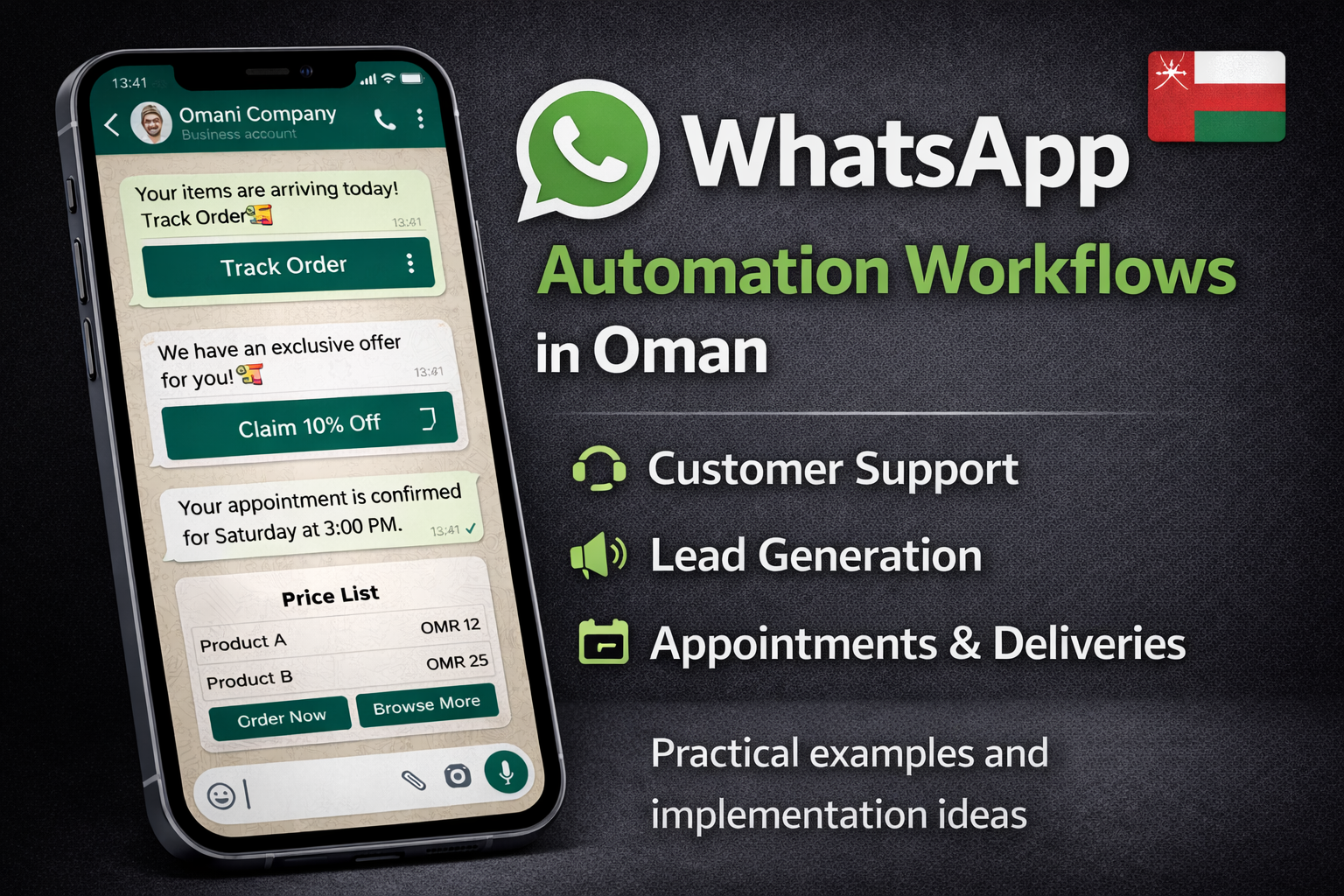
Discover the most effective WhatsApp automation workflows tailored for businesses in Oman — from customer support and lead generation to delivery notifications and appointment scheduling. Get practical examples and implementation ideas that drive engagement, cut costs, and scale your customer interactions effortlessly.
Introduction
WhatsApp is not just a messaging app in Oman — it’s one of the primary customer communication channels used by people and businesses alike. But manually handling every conversation can quickly become overwhelming as your business grows. That’s where WhatsApp automation workflows step in — intelligently automating repetitive processes so your team can focus on higher-value work. (Infobip)
In this guide, we’ll explore 10 essential automation workflows that every Omani business should consider implementing — whether you’re in e-commerce, services, hospitality, education, or any customer-centric industry.
1. Instant Welcome & Qualification Workflow
Purpose: Automatically greet new customers and collect basic info (e.g., name, reason for contacting).
Why it matters: A friendly automated welcome improves response rates and starts conversations on the right foot without manual effort. (respond.io)
Example Flow:
-
User sends first message →
-
Automated response: “Hi! Welcome to [Business]. How can we assist you today?” →
-
Prompt for options (Sales, Support, Info) →
-
Route user accordingly.
2. 24/7 Out-of-Office & Availability Routing
Purpose: Inform users when you're not available and give alternative options.
Impact: Keeps expectations clear, reduces frustration, and lets customers feel acknowledged even outside operating hours. (respond.io)
How it works:
-
Check local business hours
-
If outside hours → send automated message like:
“Thanks for messaging! We’re currently closed. We’ll reply first thing tomorrow.”
3. Order Confirmation & Delivery Notifications
Purpose: Automatically send updates on order confirmations, shipping, and delivery progress.
Value: Keeps shoppers informed instantly, boosting satisfaction and reducing support inquiries. (WhatsApp Business)
Trigger: E-commerce order placed → API sends WhatsApp message.
Message Example:
“Your order #[12345] has been confirmed! We’ll notify you once it ships.”
4. Appointment Scheduling & Reminders
Purpose: Allow customers to book appointments and receive automated reminders.
Results: Fewer no-shows, better time management, and higher service satisfaction. (Interakt.shop)
Example:
-
“Reply ‘BOOK’ to schedule a consultation.”
-
Automated workflow collects date/time → confirms → sends timely reminders.
5. FAQ & Instant Customer Support Automation
Purpose: Automatically answer common questions (pricing, hours, return policy).
Why it’s useful: Reduces repetitive responses for your support team and speeds up user interaction. (Interakt.shop)
Examples of quick replies:
-
“What are your business hours?”
-
“How can I return an item?”
-
“Where is your store located?”
6. Lead Capture & Follow-Up Automation
Purpose: Collect leads from website forms, ads, or chat and follow up automatically.
Benefit: Keeps prospects engaged immediately — improving conversion chances. (Woztell)
Typical Flow:
Website ad click → user clicks WhatsApp link → automated message asks for details → add lead to CRM → automated follow-up.
7. Abandoned Cart Reminder
Purpose: Re-engage shoppers who added items to cart but didn’t complete checkout.
Why it boosts revenue: Abandoned carts are revenue left on the table — a timely WhatsApp reminder can recover sales. (Interakt.shop)
Automation Example:
If user abandons cart → after 30 minutes automatically:
“Hey! You left items in your cart. Complete your purchase now: [link]”
8. Feedback & Review Requests
Purpose: Automatically ask customers for feedback after purchase or service completion.
Impact: Improves your customer insights and boosts online reviews. (Infobip)
Trigger: After delivery/appointment →
“Thanks for your order! Please rate your experience: 1–5 stars.”
9. Proactive Marketing & Promotions
Purpose: Send promotional messages (discounts, new arrivals) to opted-in users.
Best practice: Ensure opt-in compliance before messaging. (greenadsglobal.com)
Example Promo:
“Flash Sale! Get 20% off selected items today only — shop now.”
(Remember: compliance is crucial — follow opt-in policies and respect opt-out requests).
10. Team Routing & Multi-Agent Support Workflow
Purpose: Automatically route chats to specific teams (sales, support, technical) based on user choices.
Why it helps: Ensures users reach the right agent fast — improving response quality and team efficiency. (Infobip)
Sample Routing Rule:
-
User selects “Support” → routed to Support Team inbox
-
User selects “Sales” → routed to Sales Team
Best Practices for Oman Businesses
To get the most from WhatsApp automation workflows:
🔹 Always Obtain User Consent
Ensure you collect clear opt-in before sending messages — this improves engagement and avoids blocks.
🔹 Use Template Messages Responsibly
For proactive messages (e.g., delivery or promotions), use approved WhatsApp templates and keep content concise.
🔹 Localize Your Automation
Customize messages in Arabic and English to match Oman’s bilingual user base — this increases replies and satisfaction.
🔹 Monitor Performance
Track delivery rates, engagement levels, and conversion metrics, and adjust your workflows based on analytics.
Conclusion
WhatsApp automation workflows are transforming how businesses in Oman communicate at scale. These workflows help you respond faster, reduce manual tasks, and deliver a better customer experience — all while maximizing efficiency and revenue. (Infobip)