WhatsApp Strict Account Settings (2026): The New “Lockdown” Mode & What Businesses Should Do Now
WhatsApp’s new Strict Account Settings is a high-security “lockdown” mode that blocks unknown attachments, disables link previews, and tightens privacy. Here’s how businesses should adapt support, onboarding, and campaigns.
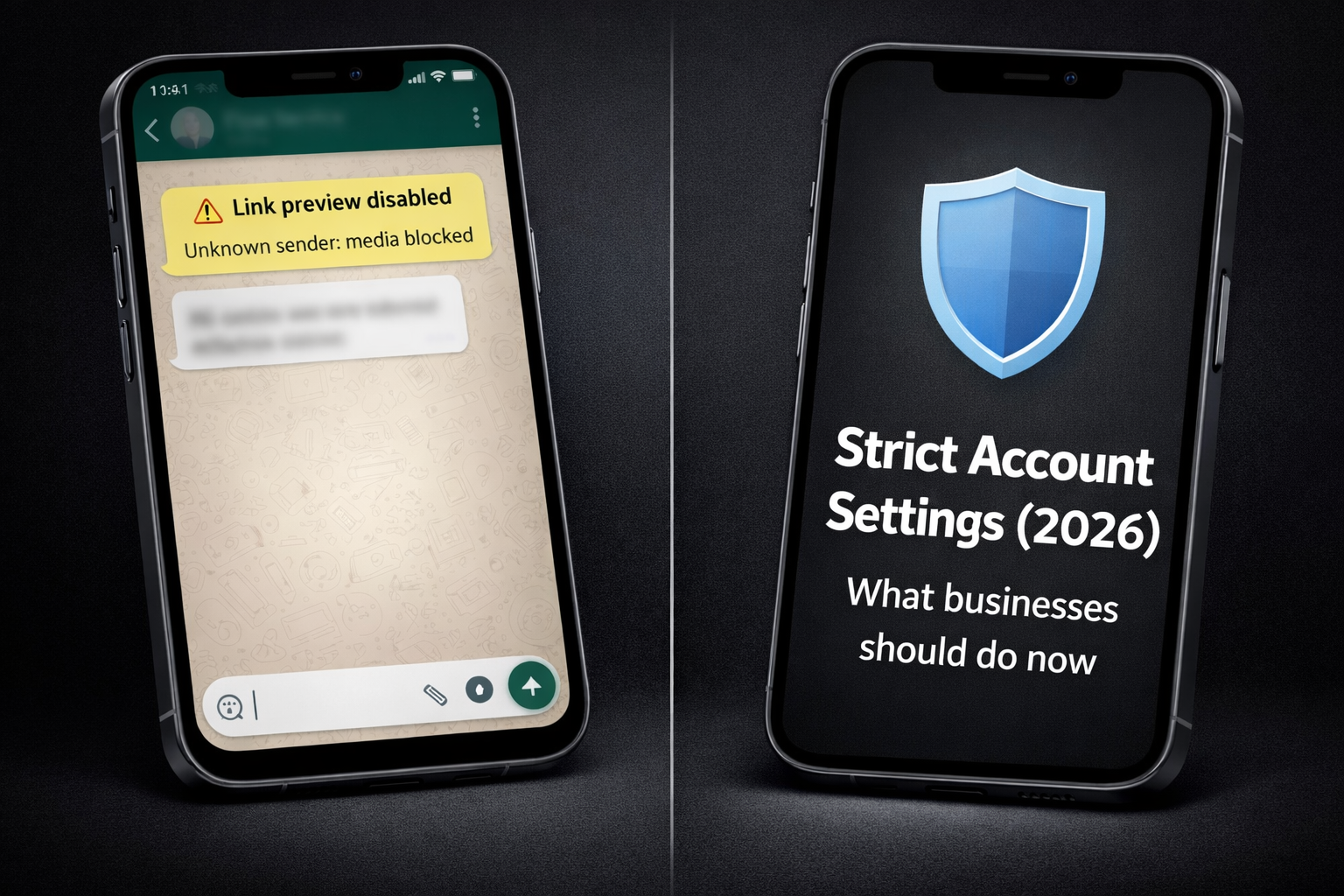
The New WhatsApp “Strict Account Settings”: What Businesses Should Do Now
WhatsApp just introduced a new high-security mode called Strict Account Settings—a one-tap “lockdown” option designed for people who may be targeted by sophisticated cyberattacks (think: journalists, public figures, activists). (WhatsApp.com)
Even if your company never turns this feature on, your customers might. And when they do, parts of the WhatsApp experience become more restrictive—especially around attachments, unknown contacts, link previews, calls, and profile visibility. (The Verge)
This article explains what Strict Account Settings does and gives a practical playbook for businesses so customer conversations don’t break overnight.
What is Strict Account Settings?
Strict Account Settings is a “lockdown-style” setting that automatically locks multiple privacy and security options to the most restrictive configuration. WhatsApp says it’s rolling out gradually and can be enabled via Settings → Privacy → Advanced. (WhatsApp.com)
In plain terms: it reduces a user’s attack surface by limiting features that can be abused in targeted attacks—at the cost of convenience. (Reuters)
What changes when a customer enables it?
Across official announcements and reporting, the core changes include:
1) Media and attachments from unknown senders get blocked
If a customer hasn’t saved your number, some media/attachments may be blocked or restricted when Strict Account Settings is enabled. (WhatsApp.com)
2) Link previews are disabled
Links can still be sent, but previews/thumbnails are disabled—reducing the risk of certain tracking or exploit vectors. (Reuters)
3) Calls from unknown contacts are silenced
If your support team calls customers from unsaved numbers, customers may never see it ring. (Reuters)
4) Group adds and profile visibility become more restrictive
WhatsApp describes this as “locking” settings to the most restrictive; reporting notes tighter rules around who can add users to groups and what non-contacts can see (profile photo/status/about). (WhatsApp.com)
5) It must be enabled from the primary device (not WhatsApp Web)
This matters for corporate device policies and customer support instructions. (The Verge)
Why this matters to businesses (even if you don’t target “high-risk” users)
Because Strict Account Settings impacts the most common business flows:
-
New leads messaging you for the first time
-
Customer support asking for screenshots, PDFs, invoices, IDs
-
Sales follow-ups sending catalogs, pricing PDFs, or payment links
-
Delivery / booking confirmations that rely on clickable previews and fast call pickup
In short: it can add friction at the exact moment you want the user to take action.
The Business Playbook: What to Do Now
1) Update your first message: “Save our number” becomes mandatory
If a user has Strict Account Settings on, treating your number as “unknown” can reduce what they receive. So your first automated message should include a friendly micro-instruction:
Recommended copy (paste-ready):
“Quick tip: Please save our number so you can receive files, images, and updates smoothly—especially if you use WhatsApp’s Strict Account Settings.”
Keep it short, and make it sound like customer care—not policy enforcement.
2) Stop relying on attachments for first-time contacts
If your lead funnel starts with “Here’s a PDF brochure”, that’s risky now. Replace with:
-
A short text summary (top 5 bullets)
-
A single safe link (if needed) knowing previews may be off
-
A CTA to continue inside chat (“Reply 1 for pricing, 2 for demo, 3 for support”)
Strict Account Settings explicitly targets attachments/media from unknown senders as part of its protective behavior. (WhatsApp.com)
Better pattern: “Text-first → confirm intent → ask them to save number → then send files.”
3) Build “No Link Preview” friendly messages
When previews disappear, users feel less confident clicking—because links look “naked”.
What to add next to every link:
-
What it is (“Secure invoice link”)
-
Why it’s needed (“to confirm payment”)
-
What happens after (“you’ll see a receipt screen”)
This reduces fear and increases click-through even with previews disabled. (Reuters)
4) Fix your call strategy: assume unknown calls may be silenced
If you call customers from a number they didn’t save, Strict Account Settings may silence it. (Reuters)
Do this instead:
-
Ask permission first: “Can we call you now?”
-
Offer scheduled call buttons/options
-
Send a confirmation message: “We’re calling from +XXX in 30 seconds—please save the number to receive the call.”
5) Add a “Strict Mode Path” to your support SOP
Create an internal checklist for agents:
If customer says they didn’t receive an attachment / call:
-
Ask if they enabled Strict Account Settings
-
Ask them to save the business number
-
Re-send as text summary first
-
Offer alternate retrieval (portal / email / ticket)
-
Confirm receipt and proceed
Since WhatsApp says this mode is for “rare, highly sophisticated” threats, some customers may enable it when they feel uneasy—your team should treat it seriously and respectfully. (WhatsApp.com)
6) Make onboarding more “trust-forward”
When privacy gets stricter, trust must get louder.
Add these to your onboarding sequence:
-
Who you are (brand + what you do)
-
Why you’re messaging
-
How to stop messages
-
Clear expectation of what you’ll send (updates, receipts, booking confirmations)
This prevents customers from treating you like an unknown sender.
What businesses should NOT do
-
Don’t pressure users to disable strict security settings
-
Don’t spam “save our number” repeatedly
-
Don’t switch to bulk messaging to “force reach” (that increases blocks, not conversions)
Quick FAQ
Is Strict Account Settings available to everyone?
WhatsApp is rolling it out gradually “over the coming weeks” from its January 27, 2026 announcement. (WhatsApp.com)
Where do users enable it?
Settings → Privacy → Advanced → Strict Account Settings (availability may vary during rollout). (WhatsApp.com)
Why did WhatsApp add this now?
Reporting frames it as part of the broader industry trend of optional “lockdown” modes—similar in concept to Apple Lockdown Mode and Alphabet’s advanced protection features—aimed at high-risk users facing sophisticated threats. (Reuters)
Final takeaway
Strict Account Settings is a reminder that WhatsApp is optimizing for security—even if it adds friction.
Businesses that win in 2026 will be the ones that:
-
communicate trust early,
-
design “text-first” flows for new contacts,
-
and keep support resilient when attachments, previews, and calls behave differently.
If you want, I can tailor a ready-to-paste “Strict Mode friendly” onboarding sequence for your niche (academy registration, e-commerce orders, or customer support), including the exact message templates and fallback steps.